A Practical Guide to Custom QR Code Stickers
Custom QR code stickers are so much more than a gimmick. They’re a direct, scannable bridge connecting your physical marketing materials to your online world. Think of them as an interactive gateway that turns a coffee cup, a product box, or even a simple flyer into an immediate opportunity to engage with your brand.
Why QR Code Stickers Are Your Secret Marketing Weapon
Let's be real—effective marketing is all about meeting people where they are. Imagine a customer unboxing a product they just bought and finding a small, scannable link to a video setup guide. Or picture a diner scanning a sticker on their takeout container to instantly leave a review. That's the magic of custom QR code stickers. They aren't just a fleeting tech trend; they are a genuinely powerful tool for merging your physical presence with your digital one.
This guide is going to take you beyond the basics. We'll dive into real-world strategies, design principles that actually work, and the data-driven tactics you need to turn a simple sticker into a marketing machine that gets results. This is about creating something that drives traffic, captures leads, and genuinely improves the customer experience. You won't just learn how to make a sticker; you'll learn how to make one that works for your business.
It's More Than Just a Black and White Square
The real power of these stickers is just how versatile they are. For a very low cost, you get a high-impact way to engage your audience that traditional print media simply can't touch. And this isn't just a theory; it's a market that's absolutely booming.
The QR code labels market was valued somewhere between $1.1 billion and $2.6 billion in the mid-2020s. Projections show it's set to grow at a CAGR of 8.86% through 2032. That translates to a staggering volume, potentially representing anywhere from 4 to 21 billion stickers every year. You can dive deeper into these insights on the growing demand for QR code labels from 360iResearch.
This kind of growth points to a major shift in how brands are talking to their customers. Businesses are pouring money into this technology because it delivers real, tangible results. It’s a direct response to a mobile-first world where everyone expects instant access to information, right from their phone.
So, What Makes Them So Effective?
The secret to why QR code stickers work so well comes down to one thing: they remove friction. It becomes incredibly easy for someone to act on your call to action. Instead of having to manually type in a long website address or search for your company on social media, a quick scan does all the heavy lifting.
This simple action can unlock a huge variety of experiences for your customer:
- Exclusive Content: Link them to a behind-the-scenes video or a special article.
- Instant Discounts: Offer a coupon they can use right away, either online or in-store.
- Effortless Feedback: Send customers straight to a quick and easy survey form.
- App Downloads: Make it ridiculously simple to get your app onto their device.
By the time you're done with this guide, you’ll have a clear roadmap for creating sticker campaigns that not only look fantastic but also deliver measurable results for your brand.
Building Your QR Code Strategy Before You Print
A great QR code sticker campaign doesn't start at the printer. It starts with a simple but powerful question: What do you want people to do after they scan? If you can't answer that in one sentence, you're not ready to print.
The most successful custom QR code stickers have a single, laser-focused goal. Don't try to make one sticker do everything. Asking someone to follow you on Instagram, sign up for your newsletter, and browse a new collection all at once is a recipe for confusion and inaction.
Pick one primary objective. Is it to drive app downloads? Grow your email list? Offer a limited-time discount? Nailing down this purpose first will inform every other decision, from the call to action you write to the landing page you build.
Choosing Your Code Type: Static vs. Dynamic
With your goal set, your next big decision is picking the right type of QR code. This choice will fundamentally change what your stickers can do for your business, so it's not one to take lightly.
A static QR code is the most basic version. The destination link—say, your homepage—is permanently baked into the black-and-white pattern. Once you print it, that link can never be changed. Think of it like writing an address in permanent marker. It’s simple and free, but offers zero flexibility.
A dynamic QR code, however, is where the real power lies for marketers. The code itself contains a short, unique URL that redirects to your final destination link. This simple difference is a game-changer because you can update that final destination anytime you want without reprinting a single sticker. New product launch? Seasonal menu change? No problem. Just log into your QR code generator's dashboard and swap out the link.
This is how a QR code bridges the gap between a physical item and a digital experience, turning a simple sticker into an interactive gateway.
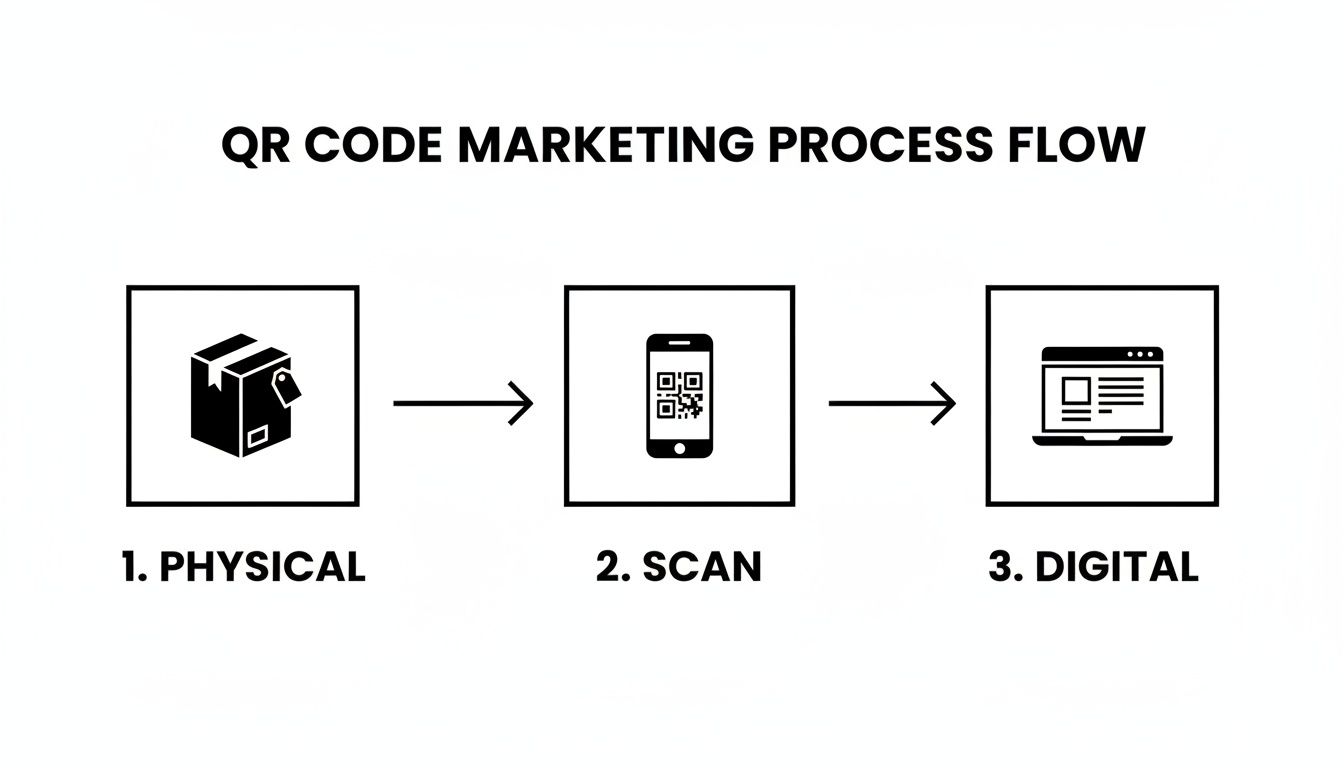
This ability to connect a real-world object to targeted online content is what makes QR codes so effective. You’re turning passive packaging or a boring window display into an active channel for customer engagement.
Static vs Dynamic QR Codes: Which Is Right for Your Stickers?
To make the decision clearer, it helps to see a direct comparison. While static codes have their place, you'll quickly see why dynamic codes are the professional's choice for almost any marketing initiative.
| Feature | Static QR Code | Dynamic QR Code |
|---|---|---|
| Editability | No. The destination URL is permanent once generated. | Yes. You can change the destination URL at any time without reprinting the code. |
| Tracking | None. You have no way of knowing who scanned it or when. | Yes. Provides detailed analytics on scans, location, time, and device type. |
| Best For | Permanent, unchanging information like a Wi-Fi password. | Marketing campaigns, promotions, product information, and lead generation. |
| Cost | Typically free to create. | Usually requires a subscription to a QR code generator platform. |
| Longevity | Works forever as long as the destination URL is active. | Requires an active subscription to maintain the redirect functionality and data. |
| Customization | Basic color and shape options are available. | Advanced customization with logos, colors, and branded short URLs are common. |
For any serious campaign where you want to measure results and maintain flexibility, dynamic QR codes are the clear winner. The investment in a subscription service pays for itself with the data and control you gain.
Why Dynamic Codes Are a Smarter Investment
Static codes are fine for a "set it and forget it" link, but for anything marketing-related, dynamic is the only way to go. The ability to edit the link on the fly is a massive advantage, but the real treasure is the data.
Dynamic QR code platforms like Bitly or QR Code Generator give you a dashboard with rich analytics. You can track:
- Total Scans: The raw number of interactions.
- Unique Scans: How many individual people are scanning.
- Location: See which cities or countries are driving the most engagement.
- Time of Scan: Discover when your audience is most active.
This kind of data is marketing gold. It tells you if your sticker placement is working, which offers are resonating, and what your true ROI is. You simply can't get this from a static code.
By 2025, it’s projected that the vast majority of marketers will be using QR codes, with 94% having increased their usage in the last year alone. This explosive growth isn’t just a fad; it’s driven by measurable results. The Asia-Pacific region, for instance, accounted for about 39% of all QR-related revenue in 2024. You can dive deeper into these powerful QR code statistics on Bitly's blog.
Ultimately, the choice is yours. A static code will create a link. A dynamic code will create a smart, evolving marketing tool that gives you the insights needed to grow your business.
Designing Stickers People Actually Want to Scan
Anyone can spit out a black and white square from a generator, but that's not what gets people to pull out their phones. A truly effective custom QR code sticker is where smart design meets solid strategy. It has to be eye-catching enough to stop someone in their tracks and technically sound enough to scan without a hitch.
This goes way beyond just making something look good. Every choice you make—from the color and size to the very material you print on—directly fuels the success of your campaign. A poorly designed sticker is a dead end. It creates a frustrating experience and, frankly, makes your brand look sloppy.
The Non-Negotiables: Size and Contrast
Before you even think about adding brand colors or a logo, we need to nail down two fundamentals: size and contrast. Get these wrong, and your sticker is just a useless decoration.
When it comes to size, the golden rule for close-range scanning (think product packaging or a business card) is to keep the QR code at least 1x1 inch (2.5x2.5 cm). If you’re putting it on a window or a menu board where people are scanning from a few feet away, you have to go bigger. My advice? Always print a test sticker and try scanning it from a realistic distance. It’s the only way to know for sure.
Contrast is even more critical. Your phone's camera needs a clean, sharp difference between the dark and light squares to read the code. The classic black-on-white combo is foolproof for a reason—it offers maximum contrast. You can definitely play with brand colors, but you must maintain a strong difference between the light and dark tones.
A high-contrast design is non-negotiable for QR code scanning. Industry data shows that dropping the contrast ratio from a recommended 20:1 down to just 5:1 can cause scan failure rates to skyrocket by over 50%. This is especially true in tricky lighting or with older phones. You can learn more about the technical side from these QR code design best practices from Scandit.
Making the Design Unmistakably Yours
Once you’ve locked in the technical specs for a perfect scan, it’s time for the fun part: making the sticker look and feel like your brand. A generic QR code is cold and impersonal, but a branded one acts as a mini-billboard. Most modern QR code generators give you a ton of control here.
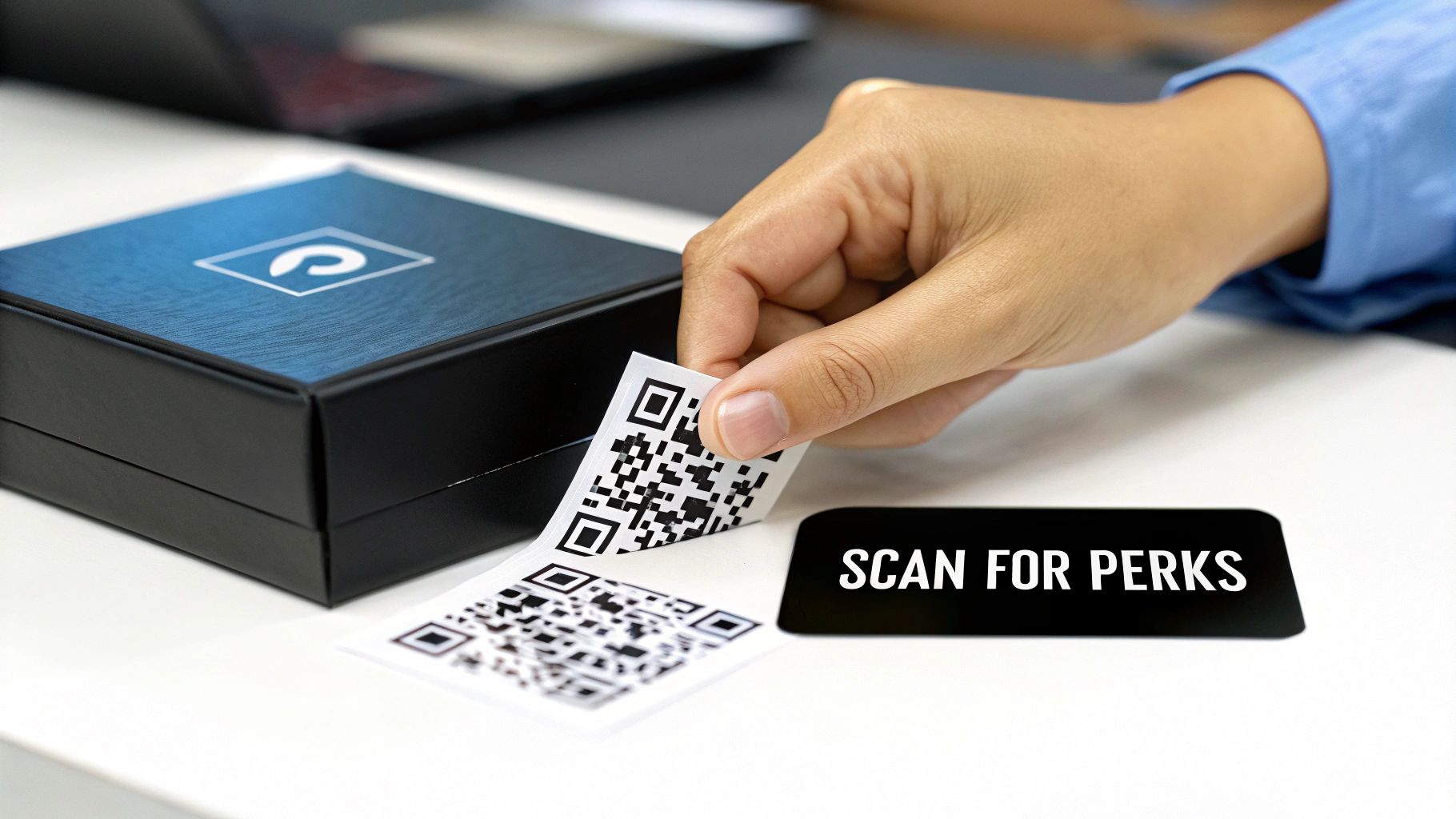
Here are a few simple ways I’ve seen brands successfully add their personality:
- Drop Your Logo In: Placing your logo right in the center of the QR code is a great move. It builds immediate trust and recognition, telling people exactly who the code belongs to.
- Use Your Brand Colors: Swap out the black for your primary brand color, but always keep that contrast rule in mind. A navy blue code on a light background? Perfect. A pale yellow code on white? It’s never going to work.
- Play with Frames & Shapes: Some platforms let you add a custom frame around the code or even change the shape of the data points from squares to circles or dots. It’s a subtle touch that can make a big difference.
Why Material and Finish Matter
The sticker’s material is just as important as the design on it. The right choice ensures your sticker not only looks sharp but also holds up wherever you place it.
- Durable Vinyl: If your sticker is going outdoors or on anything that might get wet—like a takeout container or water bottle—weatherproof vinyl is your best bet. It stands up to sunlight, repels water, and resists tearing.
- Paper Finishes: For indoor use on things like packaging inserts or event swag, paper stickers can give off a more premium vibe. You can pick from matte, gloss, or even a rustic kraft paper to match your brand’s aesthetic.
- Clear Stickers: For a clean, minimalist look, a clear sticker with just the QR code and a CTA looks incredibly sleek. It’s perfect for glass doors, product jars, or any surface where you don't want to block the view.
Don't Forget the Call to Action (CTA)
This might be the single most overlooked piece of the puzzle. You can’t just stick a QR code somewhere and expect people to scan it. You have to tell them why they should.
A few simple words next to the code can make a world of difference. Frame it with an instruction that sparks curiosity or offers value.
A few CTAs that actually work:
- Scan for 15% Off Your Next Order
- Join Our VIP List
- Watch the 'How-To' Video
- Scan for a Surprise!
- Leave a Review
This tiny bit of text provides the context and motivation needed to turn a passive square into a powerful marketing tool that drives action.
Where to Place Your Stickers for Maximum Impact
A brilliant sticker in the wrong place is a wasted opportunity. You can design the most compelling custom QR code sticker, link it to a perfect landing page, and still get zero scans if no one can actually see and use it. The secret to high scan rates isn't just about visibility; it's about context and timing.
Placing your sticker is more than just finding a flat surface. You have to get into your customer's head at each specific location. Ask yourself: in this exact spot, does my customer have the time, the motivation, and the ability to pull out their phone and scan this code? A well-placed sticker creates a natural "moment of curiosity" that makes scanning feel like the next logical step, not an interruption.
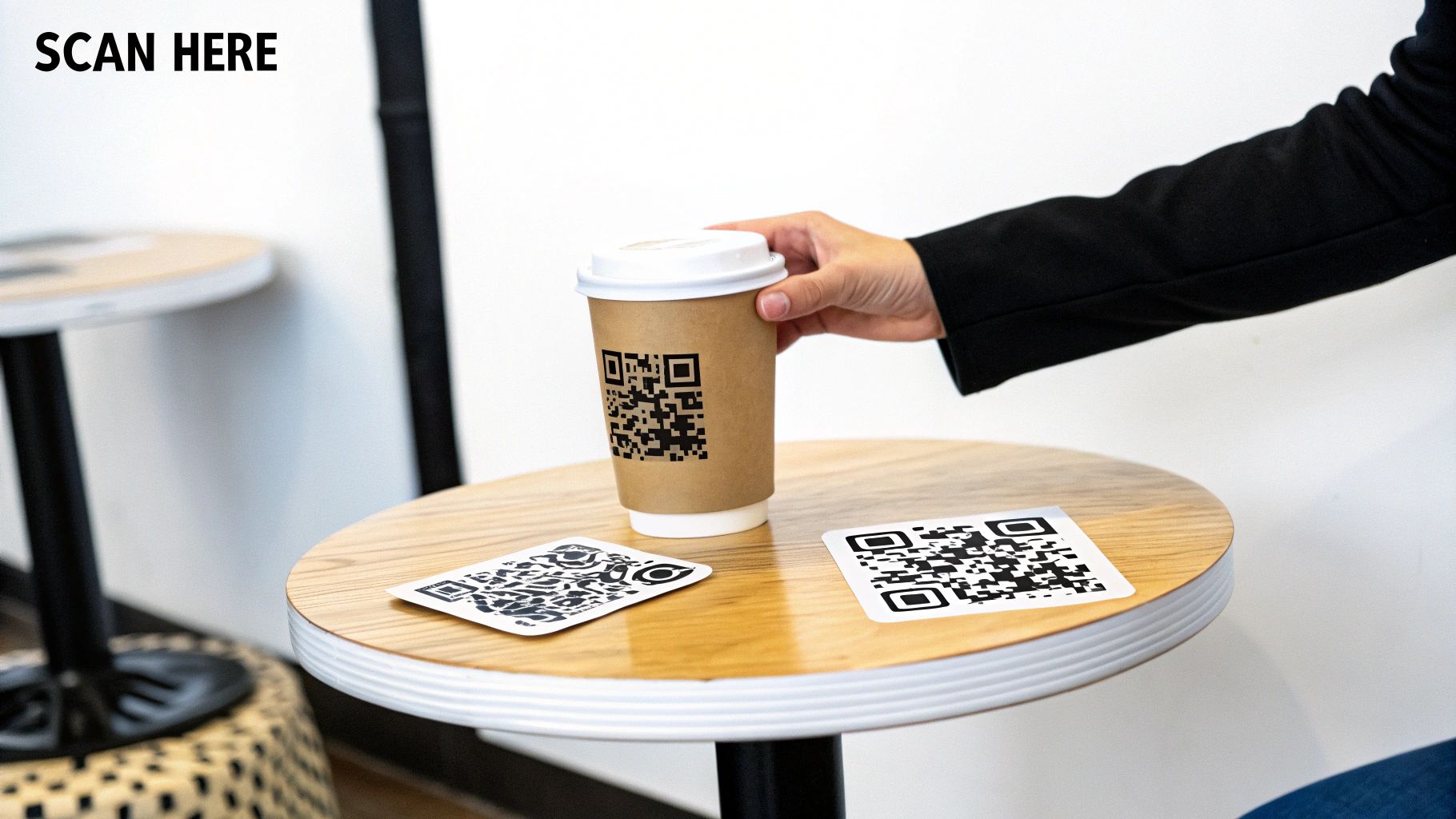
This means you have to think beyond generic advice and get specific about the physical world where your stickers will live. Consider things like placement height, the lighting in the area, and any potential obstructions. A sticker that's too low, tucked away in a poorly lit corner, or slapped on a curved surface that distorts the code is guaranteed to fail.
Retail and Product-Based Businesses
For retailers, the opportunities to connect with shoppers are everywhere. Walk through your space like a customer and pinpoint key touchpoints where a QR code can add real value without getting in the way.
- On Product Tags: Go beyond price and material. A small QR sticker can link to a video of the product in action, tell its origin story, or offer detailed care instructions.
- Dressing Room Mirrors: This is a perfect captive-audience moment. A sticker here can offer styling tips for the item they're trying on, showcase user-generated photos from Instagram, or link to matching accessories.
- At the Point of Sale: While customers wait to pay, a sticker on the counter can promote your loyalty program or ask for quick feedback. You've already got their attention.
- Product Packaging: Put a sticker on the outside of the box to link to a setup guide, or on the inside to offer a discount on their next purchase. This turns the unboxing experience into an interactive brand moment.
The physical placement of a QR code can dramatically alter its performance. It's all about catching the consumer at the precise moment of decision.
A great case study from a major beverage company really drives this home. They discovered that QR code stickers on refrigerated cooler doors in convenience stores generated a 27% higher scan rate than those on the product packaging itself. Why? They understood that shoppers make their choice while looking at the entire selection, making the cooler door a critical decision-making point. You can read more about the strategic resurgence of QR codes on Forbes.
Restaurants and Hospitality Venues
In the food and beverage world, QR codes for menus are now standard, but that’s just scratching the surface. Your goal should be to enhance the entire dining experience and build a relationship that lasts long after the meal is over.
Think about the customer's journey from the moment they walk in to when they pay the bill.
- On Takeaway Containers and Bags: This is your chance to stay connected after they leave. A sticker can link to a reordering page, a feedback form, or an invitation to follow you on social media for daily specials.
- Table Tents and Coasters: While patrons wait for their food, they are a captive audience. Use this downtime to promote a loyalty program, share your restaurant's story, or link to an upcoming event.
- On the Bill Holder: When you drop the check, include a QR sticker that links to a seamless mobile payment option or a quick review platform. Make it incredibly easy for happy customers to pay and share their experience.
- In Hotel Rooms: Stickers on the nightstand or desk can link to a digital room service menu, a guide to local attractions, or a portal to book spa services, adding a layer of convenience.
By placing your custom QR code stickers in these thoughtful, context-aware locations, you turn a simple graphic into a powerful tool for engagement, feedback, and sales. It’s not about plastering them everywhere; it's about putting them exactly where they will be most helpful to your audience.
Using Data to Measure and Optimize Your Campaigns
The real power of dynamic custom QR code stickers isn't just that they work; it's that they tell you exactly how they're working. Once your stickers are out in the world, the campaign isn't over—it’s just getting started. This is where you shift from simply deploying stickers to gathering marketing intelligence that fuels smarter decisions down the road.
This is how you turn a one-off sticker project into a data-driven campaign with a real, measurable return on investment. The insights you collect are what separate a good idea from a great strategy, letting you fine-tune your approach for maximum impact.

Making Sense of Your Analytics Dashboard
When you set up a dynamic QR code, you get access to an analytics dashboard that acts as your campaign’s command center. At first glance, the numbers can feel a bit overwhelming, but they tell a clear story about what your audience is doing. Data is pointless without action, so let's break down the key metrics you’ll want to watch.
Your dashboard will typically track a few core data points:
- Total Scans: This is your big-picture number, showing the overall volume of interactions. It’s a great first indicator of visibility and interest.
- Unique Users: This is often more telling than total scans. It reveals how many individual people are scanning your code, giving you a truer sense of your audience reach.
- Geographic Data: A map showing where your scans are coming from is gold. It helps you pinpoint geographic hotspots and understand regional interest in your brand or offer.
- Scan Times and Dates: Are people scanning during their weekday lunch break or on a Saturday afternoon? Knowing the peak times your audience is active can help you perfectly time future promotions.
Turning Insights into Actionable Strategy
The goal isn't just to collect data—it's to use it to refine your campaign. Start looking for patterns and asking questions. For instance, what if a sticker on your takeout bags gets three times more scans than the one on your in-store menu? That’s a huge clue. It suggests your customers are more likely to engage with you after they've left your business.
Armed with that insight, you can start making changes. Maybe the in-store sticker needs a more compelling call to action, or perhaps it should be moved to a more prominent spot. Better yet, you could double down on the takeout bag strategy, linking that QR code to a "reorder now" page to capture immediate repeat business.
By actually interpreting the data, you’re no longer guessing what works. You're letting your customers show you directly. This feedback loop is the secret to continuous improvement and getting the most out of your marketing spend.
A/B Testing Your Way to Higher Conversions
Once you're comfortable reading your analytics, you can bring in a more advanced tactic: A/B testing. This is simply creating two slightly different versions of your campaign to see which one performs better. With dynamic QR codes, it's surprisingly easy to do.
You can test just about anything:
- Call to Action (CTA): Run two identical stickers but with different CTAs. Does "Scan for 15% Off" get more scans than "Scan for a Surprise"?
- Landing Pages: Have two different QR codes point to two different landing pages. Does a simple, clean form outperform a page packed with product details?
- Offers: Test different promotions head-to-head. Is a "Buy One, Get One Free" offer a stronger driver than a flat 20% discount?
By splitting your audience and measuring the results in real-time, you can make data-backed decisions that systematically improve your campaign's performance.
This iterative approach is proven to work. Marketing platforms often report that campaigns using dynamic QR codes with A/B testing see an average lift of 15-20% in conversion rates over just a few months compared to static campaigns that can't be changed. The ability to swap out the destination URL and analyze data on the fly allows for incredibly rapid improvement. You can learn more about the power of QR code analytics from Uniqode.
Common Questions About QR Code Stickers
When you're ready to get your first QR code sticker campaign off the ground, you'll inevitably run into a few practical questions. Let's walk through some of the most common ones I hear, reinforcing some of the key ideas we've already covered so you can move forward with confidence.
How Big Should My QR Code Sticker Be?
Size is one of the most critical, yet often overlooked, details for scannability. It's a balancing act between the sticker's physical dimensions and the distance your audience will be scanning from. If you get it wrong, you’re looking at failed scans and a pretty frustrating experience for your customers.
For anything at arm's length—think product packaging, a business card, or a menu—a 1x1 inch (2.5x2.5 cm) sticker is a solid minimum. That gives most smartphone cameras plenty of real estate to lock on and read the code easily.
But context is everything.
That tiny 1x1 inch code will be completely useless on a storefront window, a poster, or an event banner. For those medium-distance scans, you need to scale up quite a bit. I’d recommend starting at 3x3 inches or even larger to be safe.
My best piece of advice? Test it before you commit to a big print run. Print a test version on a regular piece of paper, tape it up where you plan to use it, and try scanning it from a realistic distance. Use a few different phones if you can. It’s a simple five-minute check that can save you a lot of money and headaches down the road.
Can a QR Code Stop Working or Expire?
This is a fantastic question, and the answer comes down to whether you're using a static or dynamic code. The difference is night and day.
A static QR code is the simpler of the two. It has your destination URL baked directly into its black-and-white pattern. It’s a permanent link. As long as that website URL is still live, the QR code will work forever. Period. It has no expiration date.
A dynamic QR code, on the other hand, is a bit more sophisticated. The code itself points to a short URL managed by a third-party service (your QR code generator). That service then redirects the user to your final destination. This is what lets you edit the link later and track all that juicy scan data.
Here's the catch: a dynamic code is tied to your subscription with that generator. If your subscription runs out, the provider will turn off the redirect. Anyone who scans your sticker will hit an error page instead of your content. So, yes, a dynamic code can effectively "expire" if you stop paying for the service. It's the trade-off for all that flexibility and data.
What Is the Best Material for Outdoor Stickers?
For any custom QR code stickers living outside, durability is everything. Sun, rain, and physical scuffs can destroy a sticker in no time, killing your campaign and making your brand look cheap.
The undisputed champ for outdoor use is weatherproof vinyl. It’s not even a contest.
- Waterproof: Vinyl is a type of plastic, so it naturally sheds water. The ink won’t run, and the adhesive won't give up after the first downpour.
- UV Protection: You'll want to look for vinyl that comes with a protective laminate coating. Think of it as sunscreen for your sticker—it blocks the sun's rays from fading the ink and degrading the contrast, which is absolutely vital for scannability.
- Scratch Resistance: That same laminate also adds a tough layer of protection against everyday bumps and scratches, keeping your code looking sharp and easy to scan.
Don't even think about using standard paper stickers for outdoor jobs. They'll absorb moisture, tear, and fade into an ugly, un-scannable mess within weeks, if not days. Spend a little extra on quality vinyl. It ensures your campaign keeps working and looking professional for months or even years.
Should I Link a QR Code to a Website or an App?
Figuring out where to send people after a scan means putting yourself in their shoes. The goal is to create the most seamless, frictionless path from the physical world to your digital content.
For most situations, linking directly to a mobile-optimized website is your best bet. It’s universal. It works for every single person with a smartphone, it doesn't require any downloads, and it presents the lowest possible barrier to entry. This is the way to go for sharing information, directing to a product page, or capturing leads with a form.
Now, if your entire campaign goal is to drive app installs, linking straight to an app store page (like the Apple App Store or Google Play) makes sense. But this creates a clunky experience for people who already have your app. Sending an existing user to the app store when they expect to see content is just confusing.
The most elegant solution is often a simple landing page that acts as a smart traffic controller:
- Have the QR code send everyone to a single mobile-friendly landing page.
- On that page, give them a clear choice: a button that says "Open in App" and another that says "Download the App."
This approach serves both new and existing users perfectly, guaranteeing a smooth and relevant experience no matter who scans your custom QR code stickers.
Ready to create stickers that connect with your customers? The team at QR Code Stickers is here to help you get started with high-quality materials and expert advice. Explore our resources and begin your campaign today.